
Customer App
Register, discover services, post jobs, set a proposed budget, compare offers, negotiate, approve a provider, track bookings, chat, use SafeVisit, pay and review.
Post your service request, share your proposed budget and compare offers from eligible individual technicians and service companies. You choose who gets the job.
Home service · Bahawalpur · Preferred visit: Tomorrow
No automatic cheapest-provider selection. Real providers submit offers, and the customer approves the one they prefer.
Choose a service, describe the work, add photos, location, preferred date and proposed budget.
Matching checks approved provider status, service, technician skills, coverage and availability.
Review up to 3–5 genuine offers when available, including price, scope, timing and provider details.
You select an offer. The provider confirms availability before the booking is finalized.
See the assigned technician, use SafeVisit check-in, follow progress and confirm completion.
Service availability depends on approved providers and active coverage in your area.
Real interface screenshots supplied for the customer and partner experiences.
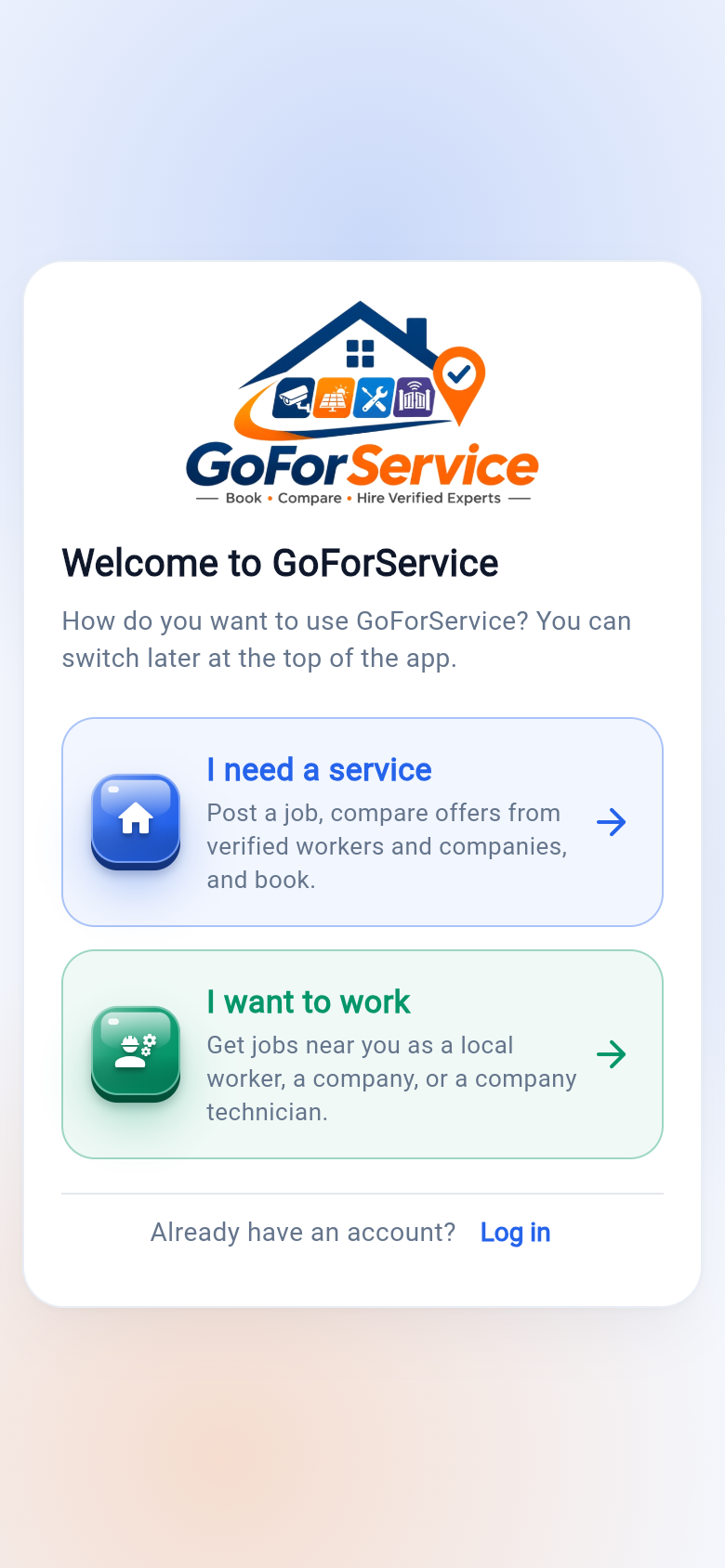
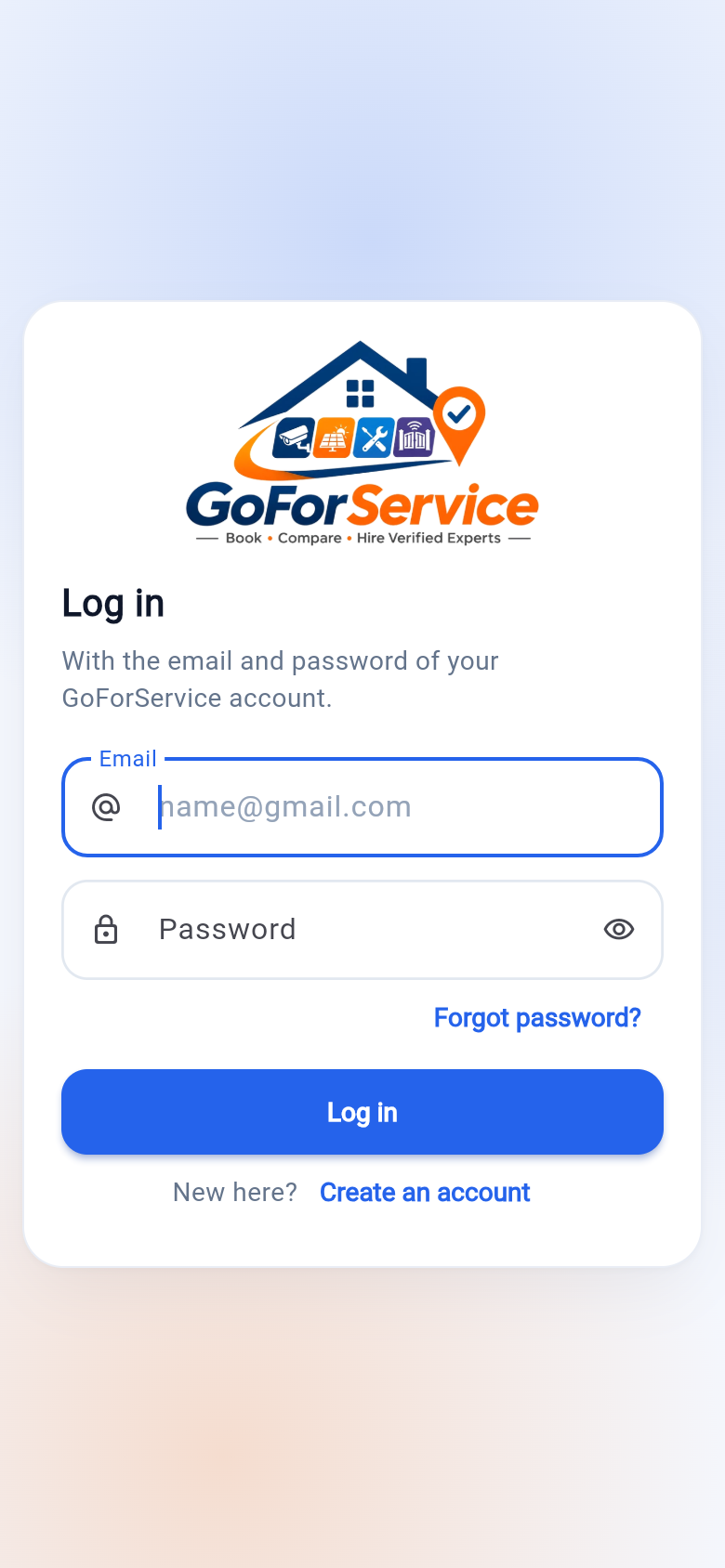
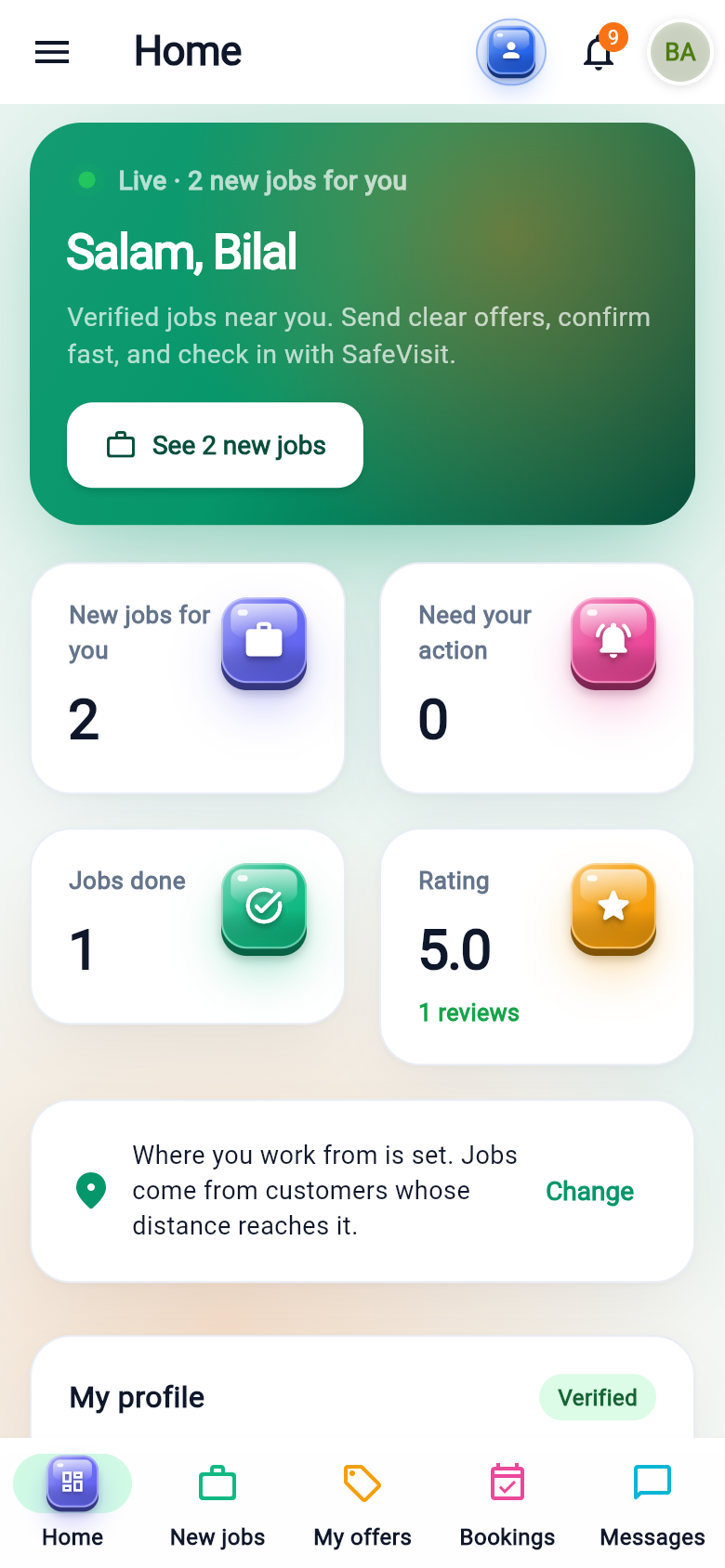
Separate experiences for customers, individual technicians, service companies and the GoForService operations team.
Register, discover services, post jobs, set a proposed budget, compare offers, negotiate, approve a provider, track bookings, chat, use SafeVisit, pay and review.
Apply for verification, submit identity and skill evidence, manage services and availability, receive matched requests, quote, manage bookings and record completed work.
Register and verify the company, activate multiple approved service categories, manage team members, receive eligible requests, submit quotations and assign approved technicians.
See assigned jobs, customer-approved assignment details, visit schedule, SafeVisit check-in, work checklist, progress updates and completion reports.
Manage users, provider and company verification, individual technician skills, service catalog, requests, offers, bookings, disputes, payments, commissions, support and analytics.
Browser-based access for customers and service operations, with role-appropriate screens. The web experience connects to the same secured backend as the mobile apps.
Use the available browser demos below. Production app downloads and live portal addresses should be added after release and deployment.
Open the GoForService customer experience in your browser.
Access the provider web experience for individual technicians, company owners and assigned technicians.
Open the GoForService administration portal to manage marketplace operations.
Download the Android application directly from the official GoForService GitHub release.
Open the web application, access the admin portal or install the Android APK using the official release link.
Marketplace trust depends on enforcing checks—not simply displaying a “verified” badge.
Company verification and technician verification are separate. Each technician must have individually approved skills. Companies receive requests only for approved active services.
The customer can see the actual assigned technician. Replacing that technician requires customer approval before the replacement proceeds.
Booking-specific, expiring visit codes are validated by the backend and tied to the assigned technician. Visit events are recorded for oversight.
Role-based permissions, private identity documents, server-side booking and payment controls, audit logs and default-deny access rules are core requirements.
Customers can request services. Technicians and service companies can apply to join the marketplace. Availability depends on local rollout and provider approval.